Earn flows guide
This guide walks the full Earn path in the Aurove app: create a liquid position (lock tokens or deposit a veNFT), read balances and rewards, then redeem when the weekly settlement window opens.
Page map
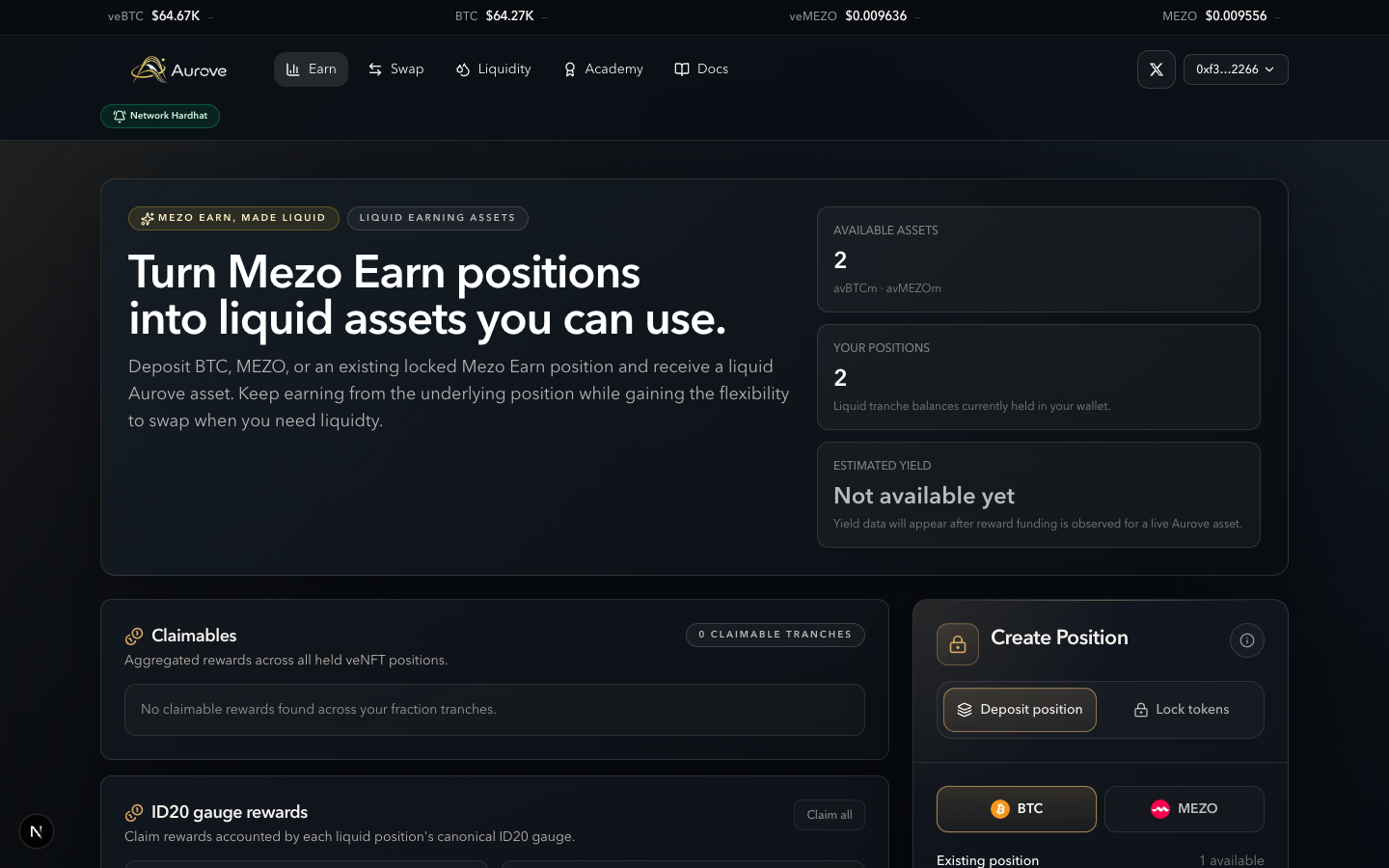
| Hero | Product pitch + available assets, your position count, estimated yield |
|---|---|
| Claimables | Tranche / RewardSink claimable amounts aggregated across products |
| ID20 gauge rewards | Per-product gauge claim + Claim all (may show Activation required) |
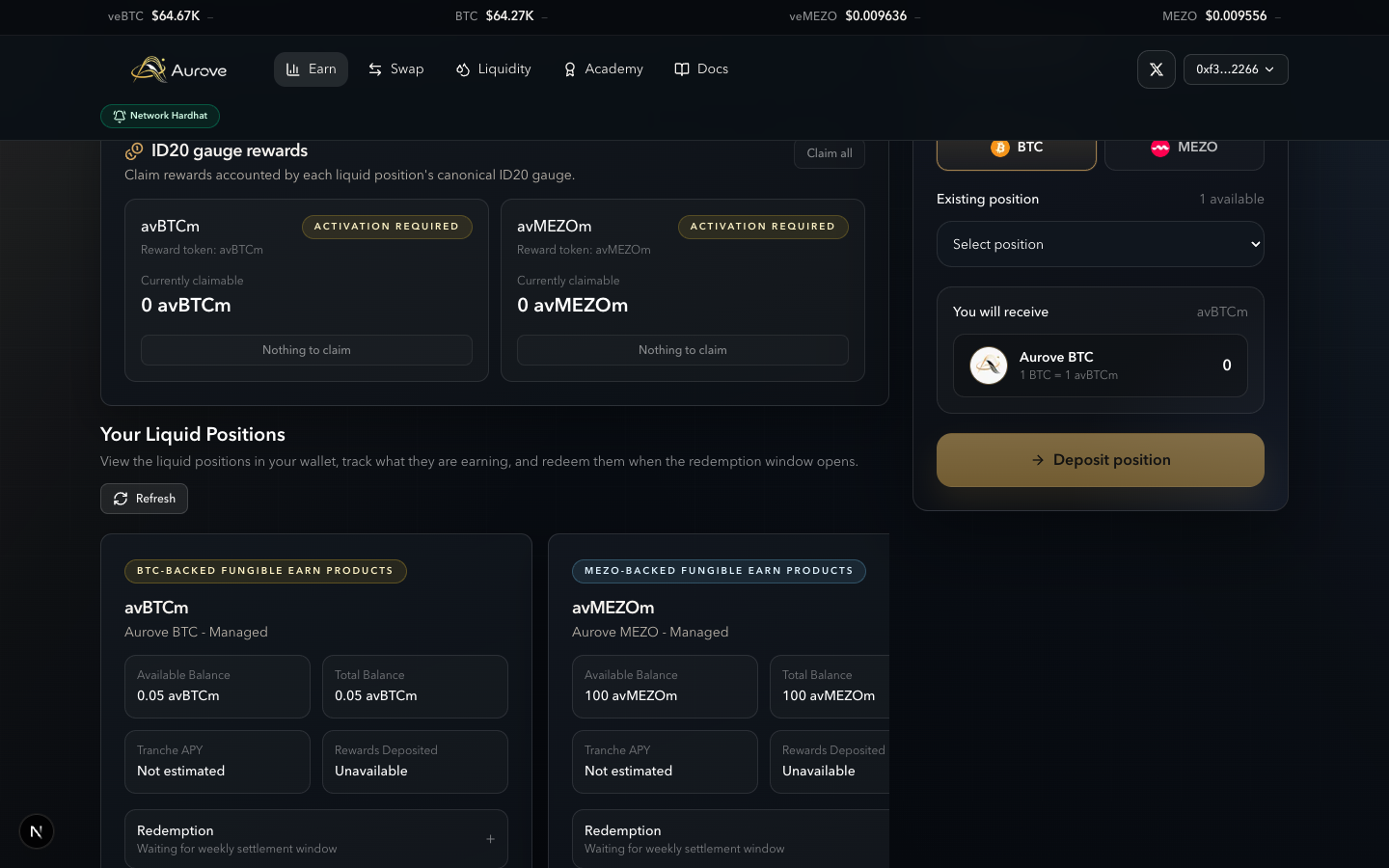
| Your Liquid Positions | avBTCm / avMEZOm cards: balances, APY estimates, redemption controls |
| Create Position | Deposit position (veNFT) or Lock tokens (BTC / MEZO ERC-20) |
Prerequisites
- Connect a wallet and switch to the network shown in the app header (Mezo Testnet while the public app targets testnet).
- Hold BTC or MEZO to lock, or a veBTC / veMEZO NFT to deposit.
- For Academy personalization only, use Sign In (Earn deposits do not require it).
Flow 1 — Deposit an existing veNFT
Use this when you already hold a Mezo Earn lock as a veNFT and want liquid Aurove inventory without locking fresh ERC-20.
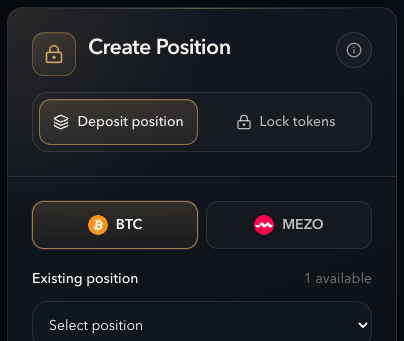
Steps
- Open Earn.
- On Create Position, leave (or select) Deposit position.
- Choose BTC (veBTC → avBTCm) or MEZO (veMEZO → avMEZOm).
- Under Existing position, select
veBTC #…/veMEZO #…(count shows how many are available). - Confirm You will receive, then Deposit position → approve the NFT if prompted → confirm the deposit.
- Refresh Your Liquid Positions to see the new avBTCm / avMEZOm balance.
| On-chain | Ledger.depositVeNft after ERC-721 approve to the Ledger |
|---|---|
| You receive | ERC-1155 tranche shares (and liquid product balance in the UI) |
| veNFT | Leaves your wallet into Aurove vault custody |
Product details: veBTC · veMEZO.
Flow 2 — Lock BTC tokens
Convert wallet BTC into a managed liquid position (avBTCm) at the managed epoch bucket (UI: 4 epochs for BTC).
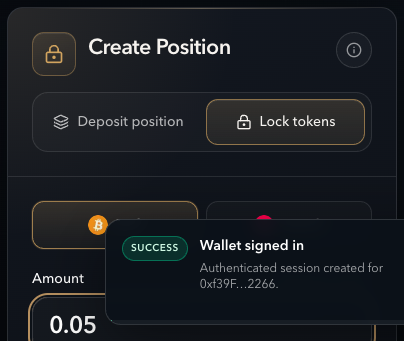
Steps
- Create Position → Lock tokens → BTC.
- Enter an amount (or use the balance percent slider). Confirm balance is sufficient.
- Check You will receive (1 BTC locks to 1 avBTCm exposure in the managed product).
- Create a liquid position → approve BTC for the Ledger if needed → confirm deposit.
| On-chain | ERC-20 approve + Ledger.depositErc20 (veBTC variant, managed epochs) |
|---|---|
| Managed product | avBTCm (Aurove BTC — Managed) |
Flow 3 — Lock MEZO tokens
Same card path with MEZO selected. Managed max epochs for MEZO is longer (UI: 208 epochs). You receive avMEZOm.
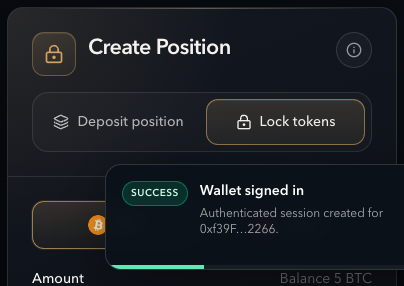
Flow 4 — Your liquid positions
After a successful deposit, positions appear under Your Liquid Positions with balances, reward/APY fields, and redemption status.
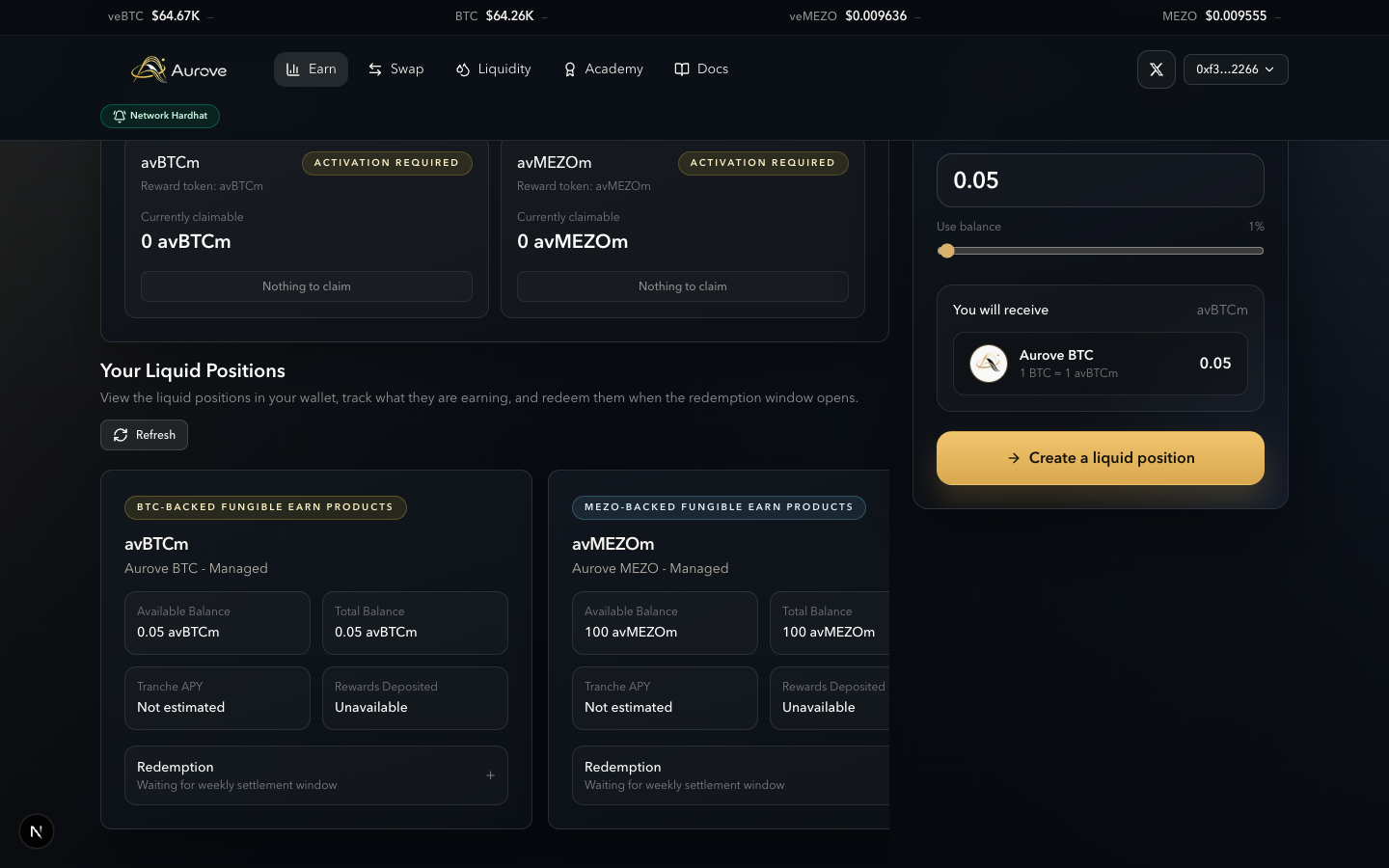
- Available balance — redeemable share of the product (respects redeem locks).
- Total balance — full liquid product exposure held.
- Tranche APY / Rewards deposited — estimates from reward funding history when available.
- Redemption row — either waiting for the window or open for redeem.
Flow 5 — Claimables and ID20 gauges
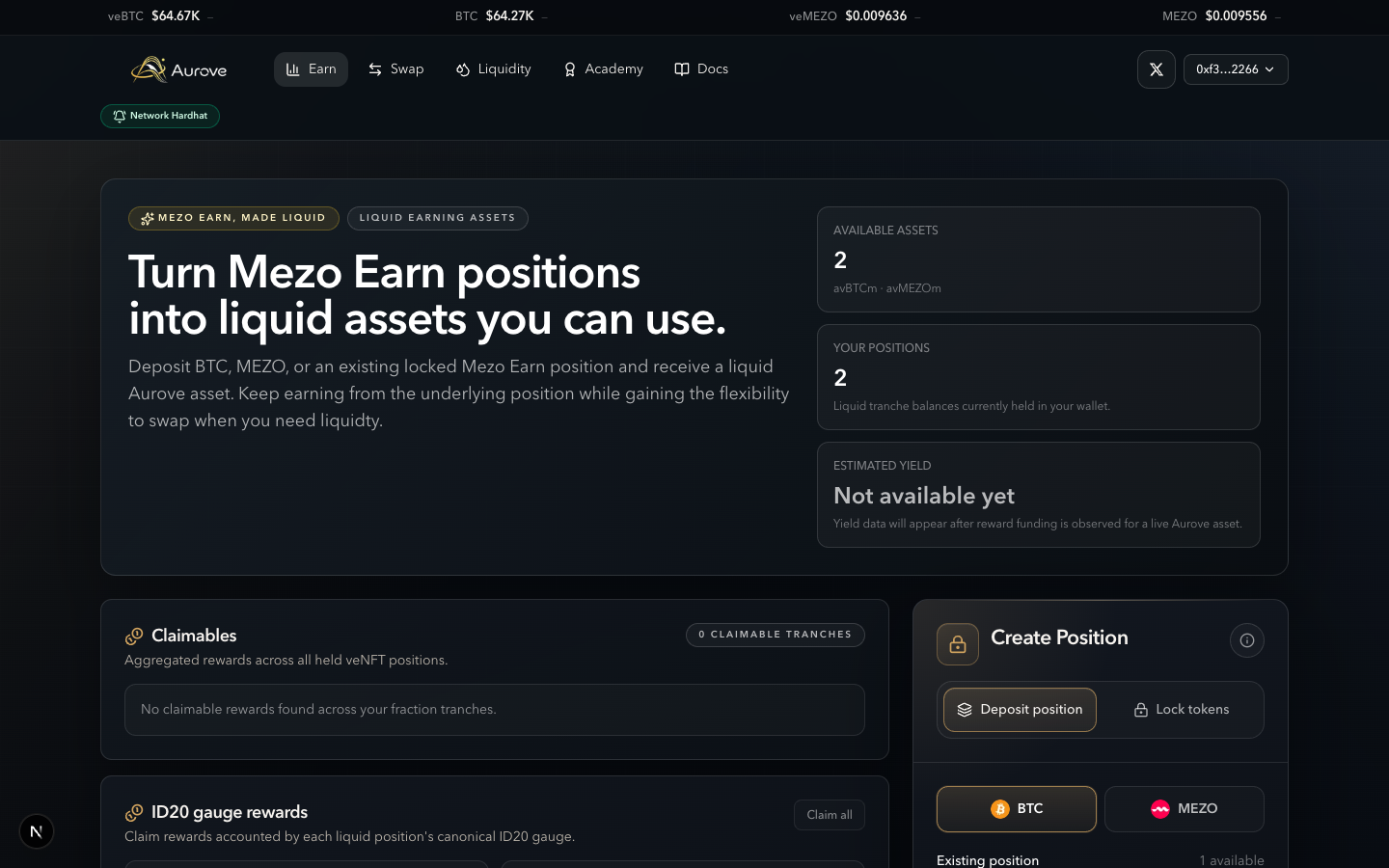
- Shows aggregated rewards across held liquid tranches.
- Claim runs
claimRewardson each product RewardSink that has a balance. - Empty state: “No claimable rewards found across your fraction tranches.”
Background on yield routing: Managed yield.
Flow 6 — Redeem in the settlement window
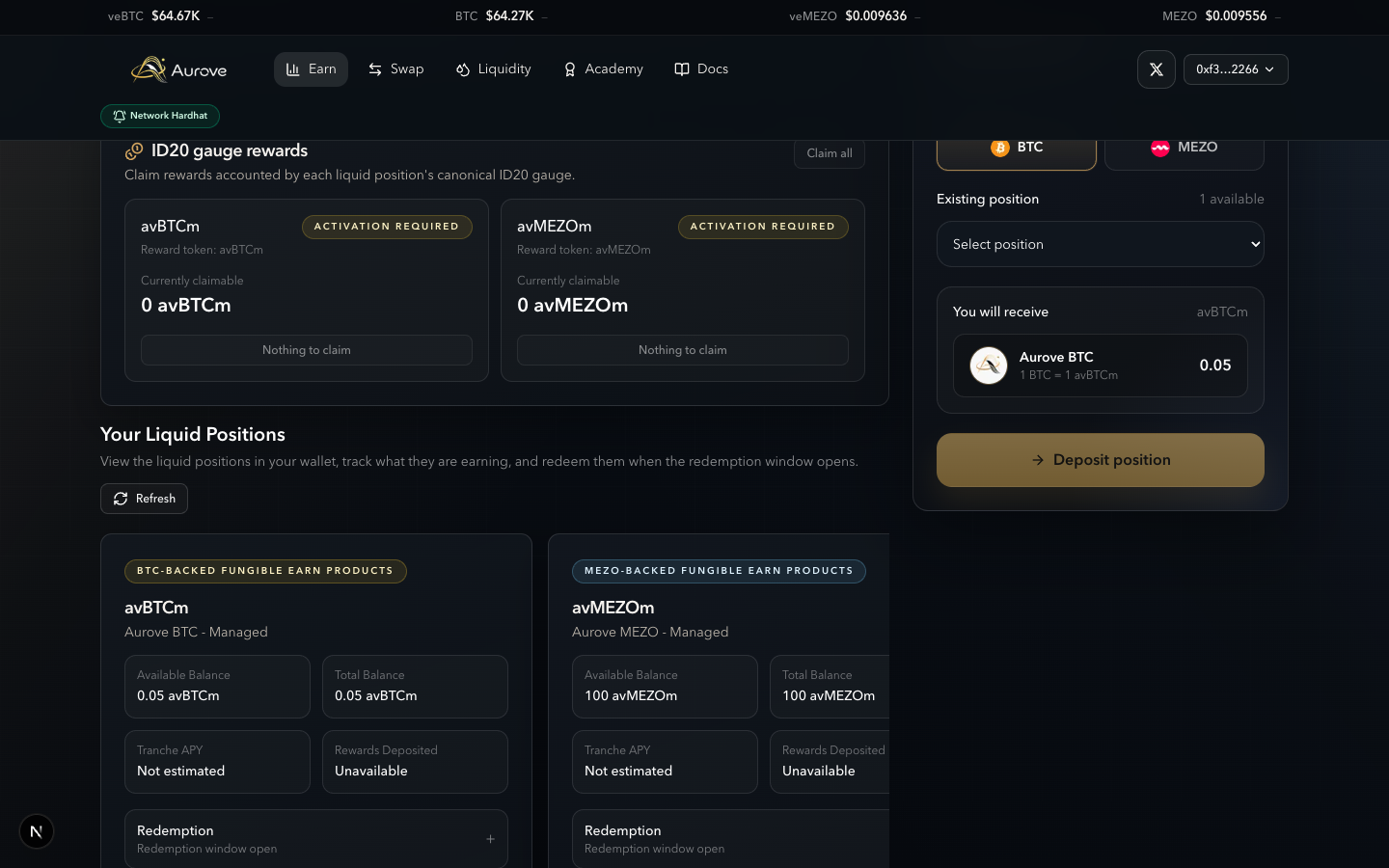
Redemptions are only allowed during the weekly settlement window (opens 10 hours into each epoch, lasts 6 hours). When the window is open, position cards show Redemption window open and expand to redeem controls.
Steps
- Confirm the UI shows Redemption window open (not “Waiting for weekly settlement window”).
- Expand the product card redemption section.
- BTC (avBTCm) — enter a redeem amount (editable; vault may split locks).
- MEZO (avMEZOm) — select vault veNFTs to release; amount follows selected inventory.
- Submit redeem → confirm. Shares burn and underlying inventory returns per Ledger/Vault rules.
| On-chain | Ledger.redeem (only inside settlement window) |
|---|---|
| Window | 10h after epoch start → +6h (weekly) |
| Redeem locks | Units minted during a fee-change freeze may be locked from the next settlement window |
Flow 7 — Outside the window
Outside settlement, redemption is disabled. Cards show Waiting for weekly settlement window (or similar await labels). Deposits and claims still work.
Limitations
- Cannot redeem outside the settlement window.
- Partial veNFT exit without depositing first is a Swap-side flow (tranche sell), not Earn redeem.
- Gauge activation may require separate actions before gauge rewards accrue.
- Estimated APY is UI guidance, not a guaranteed rate.
Related
- Managed yield
- veBTC · veMEZO
- Tranches
- Swap flows (sell liquid inventory / partial exit)
- Ledger · Vaults